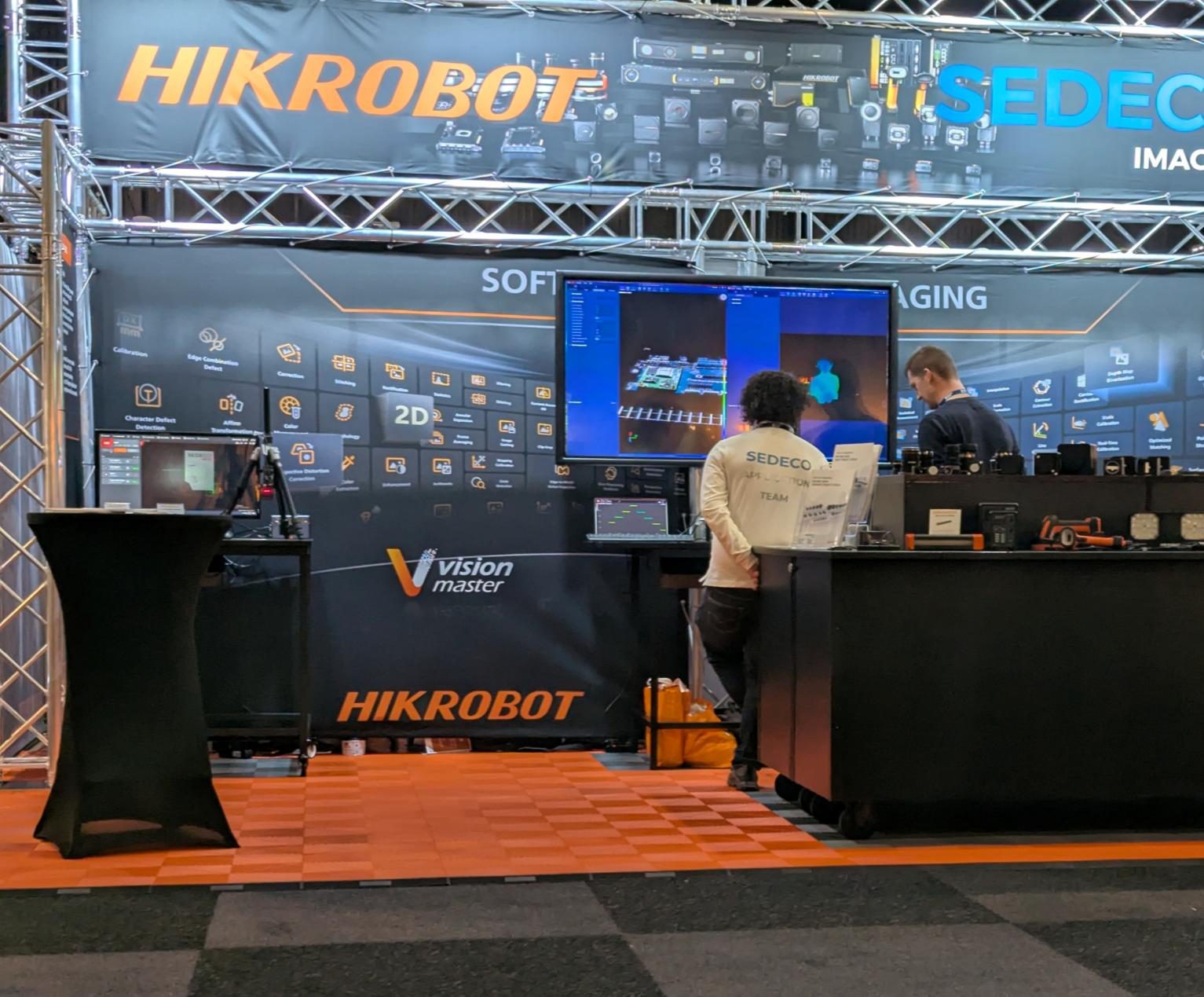
VisionMaster software during a Sedeco demonstration
Industrial machine vision software

Machine vision software: Hikrobot VisionMaster and SCMVS

An inspection must deliver its result in time for the machine to act. Hikrobot VisionMaster builds image-processing workflows on a PC; SCMVS configures inspection tasks on supported Hikrobot smart cameras. Sedeco helps select and integrate the software around your inspection, operator interface and machine communication.

Available software environments

SCMVS, VisionMaster and custom development

Record the exact device, firmware, software release and operating system before choosing an installer. SCMVS configures supported smart-camera tasks; VisionMaster provides inspection workflows; MVS provides industrial-camera acquisition/configuration tools and an SDK. These roles are different. Use the manufacturer’s release notes to confirm the selected device and deployment combination.

Hikrobot smart cameras

SCMVS

Configuration client for supported smart cameras: prepare acquisition, inspection tools, triggers and results, then verify execution on the device. Check the exact model and firmware support before installing or updating. Do not assume that every MV-SC camera uses the same client or feature set.

Graphical PC environment

Hikrobot VisionMaster

Graphical inspection workflows for a selected deployment platform. For a PC installation, confirm camera acquisition support, required processing modules, OS and runtime requirements. Record whether development and production need separate licences, how activation is recovered after PC replacement and which updates are included. Obtain the terms for the quoted edition rather than assuming a universal licence model.

Custom development by Sedeco

AI pipeline and custom software

For applications that require a dedicated user interface, data management or integration. The Sedeco platform supports annotation, model training, validation, deployment, inference and monitoring within one managed pipeline.

Software in the machine

How each environment processes the inspection

SCMVS main window
SCMVS

The user configures acquisition, inspection tools, triggering and output. The smart camera then executes the task independently.

VisionMaster
VisionMaster

The user assembles processing steps in a graphical workflow. The PC processes the camera images and manages the logic and results.

Sedeco AI platform
Our AI platform

Images, annotations and model versions remain traceable from development through production. Only a validated model is released for inference.

Custom development and integration

Custom software for operation and machine integration

A standard vision environment can handle image processing while the production workflow requires additional software. Where needed, Sedeco develops the user interface, recipe handling, result logging and machine connections. AI applications can also include data and model management.

1

Development and validation

Representative images are annotated and divided for training and validation. Model versions and test results remain recorded, making it clear which version meets the acceptance criteria.

2

Production and monitoring

The approved model is deployed for inference. Logging and monitoring support fault analysis, maintenance and controlled updates when products or process conditions change.

Software architecture

Processing location, operation and maintenance

Compatibility record, reviewed 16 November 2026: retain installer source, version, firmware, OS, camera model, driver/SDK version and licence reference for each machine. Hikrobot’s official download centre lists MVS clients and SDK runtime packages separately; an acquisition runtime is not a complete inspection recipe. Validate independent samples, trigger-to-result deadlines, missing images and restart. Test configuration and licence restoration on the replacement setup before approving the handover. Budget hardware, engineering hours × rate, licences, training and recurring maintenance.

Questions about the software architecture?

Discuss the software setup with Vincent or Jeroen

Camera count, inspection steps, cycle time, machine communication and responsibility for recipes and results help determine the suitable software environment. Representative images or products allow us to connect that choice to technical feasibility.

Vincent van MontfoortVincent van Montfoort
Jeroen van den BergJeroen van den Berg